
icono bambulab

BambuLab

Seleccionar Impresora
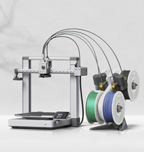
BambuLab A1
 BambuLab A1
BambuLab A1 mini
 BambuLab A1 mini
BambuLab P1P
BambuLab P1P
BambuLab P1S
 BambuLab P1S
BambuLab X1
 BambuLab X1
BambuLab X1 Carbon
 BambuLab X1 Carbon
BambuLab X1E
 BambuLab X1E

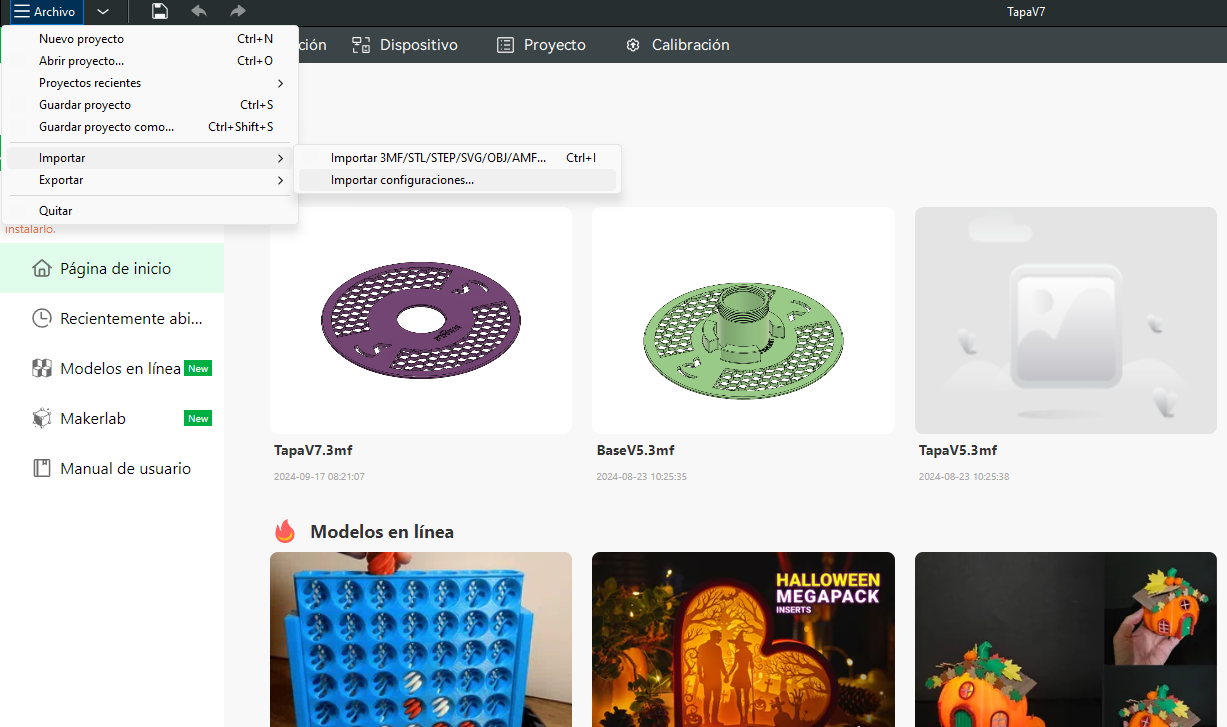
To install them in BambuStudio, follow these steps:

  • Open BambuStudio.
  • In the top left, click on File.
  • Import.
  • Import Settings.

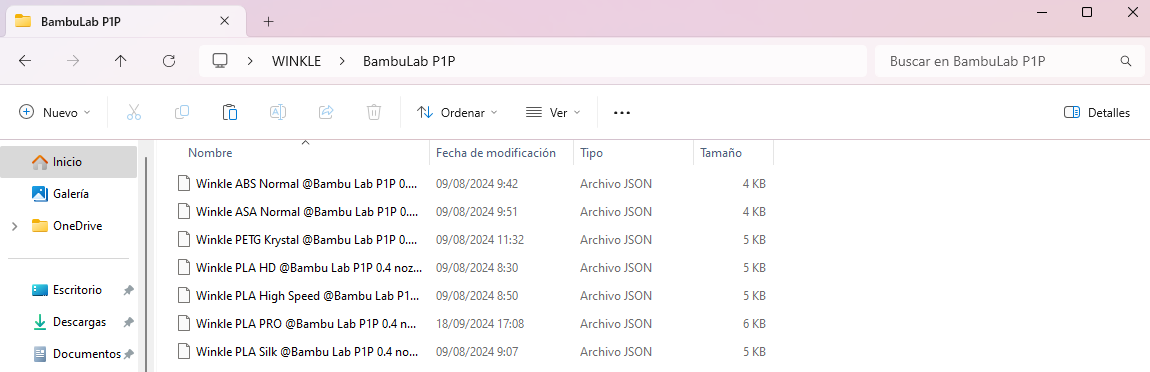
We'll look for the extracted profiles on our PC.

  • We'll select them and add them to the program.
  • It will ask for confirmation, or if one with the same name already exists, it will ask if we want to update the profile.

Winkle Blog On the Winkle Blog you will find articles about innovation, design and sustainable technology.

Winkelin GPT 🐌⚡ ×
¡Hola! ¿Cómo puedo ayudarte hoy? 🐌