How a TPU 95A part behaves
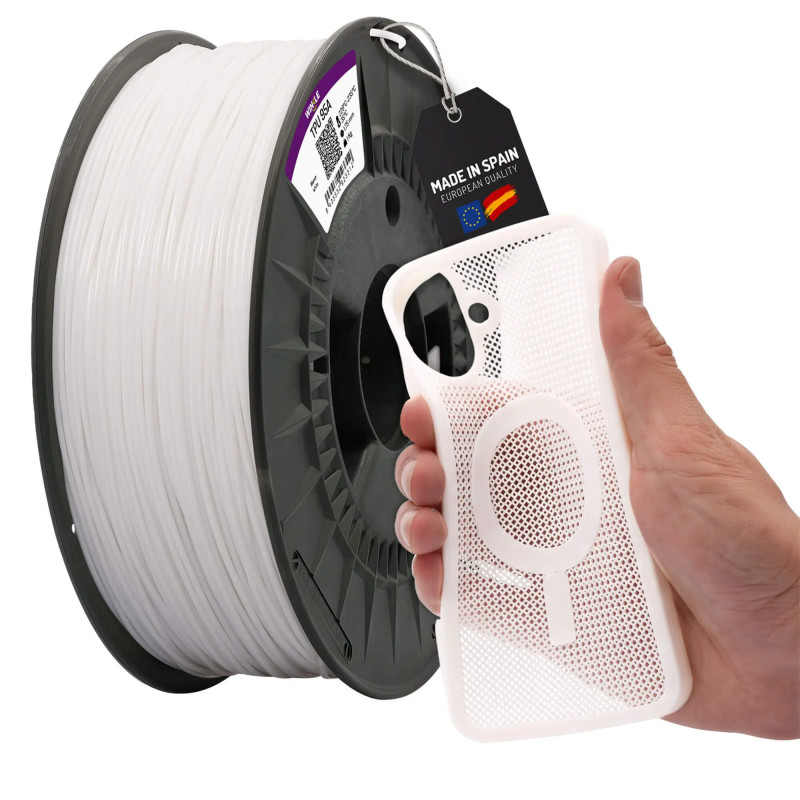
A TPU 95A part bends by hand and springs back to its shape when released, but it doesn’t sink under the pressure of a finger. With thin walls it works like a flexible sheet; with more thickness it gains body and acts as a block or a stop.
Projects you can print with TPU 95A
Seals and sealing plugs: print them with 100% or very high infill to leave no gaps for fluid to pass through, and check the seal in your assembly.
Wheels and treads for robotics: they take advantage of the wear resistance; give the tread several perimeters so the contact surface is solid.
Stops and bumpers: they protect corners and edges of equipment and furniture from everyday knocks.
Feet and pads: they add grip and stability to equipment and stands on smooth surfaces.
Straps, handles and wristbands: they combine elasticity for a snug fit with resistance to the abrasion of daily use.
How to make your part softer or firmer
With the same TPU 95A you can change how the part feels without switching filament: infill and walls determine how much it gives.
Setting Softer part Firmer part
Infill Low, 10–20% High, 50–100%
Walls (perimeters) 1–2 3 or more
Infill pattern Gyroid, which gives evenly in all directions Dense grid or rectilinear
Part thickness Thin Thick
Guideline values: print a test part before the final one.
Five colors with a purpose
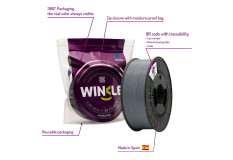
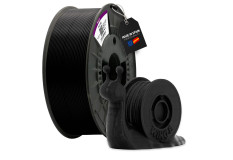
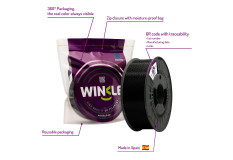
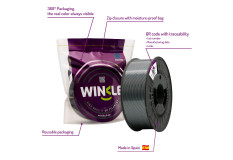
Black: technical parts and spares that should go unnoticed.
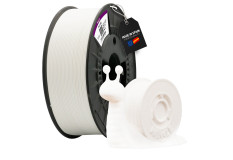
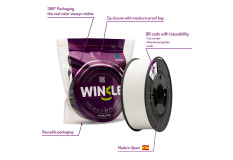
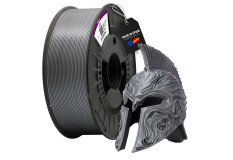
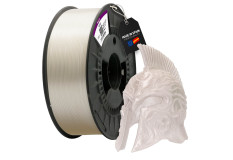
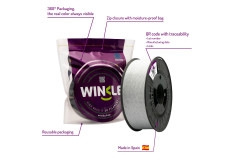
White and grey: neutral finishes for end products, housings and accessories.
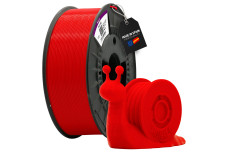
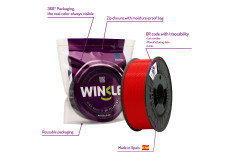
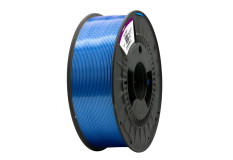
Red and blue: identification at a glance, for example seals of different sizes, parts from the same kit, or elements that need to be visible.
TPU 95A printing problems and how to fix them
Symptom Likely cause Solution
Fine strings between parts of the print Wet filament or nozzle too hot Dry the spool and lower the temperature within the 220–235 °C range
Filament buckles or jams in the extruder Excessive speed or gaps in the filament path Go back to 20–40 mm/s and check the guide between the gear and the nozzle
Layers separate when the part is bent Low temperature or high speed Raise the nozzle toward 235 °C and reduce speed
Popping sounds while printing and bubbly surface Moisture in the filament Dry before printing
First layer doesn’t stick Wrong bed temperature or dirty surface Bed at 35 °C and a clean surface
Part comes out too stiff or too soft Infill and walls Adjust according to the table above
Need a different flexible?
If your part needs to be as light as possible or flex constantly, like a hinge, check out PEBA PRO https://winkle.shop/producto/filamento-flexible/peba-pro . To compare the full range, visit the Flexible category https://winkle.shop/producto/filamento-flexible/